



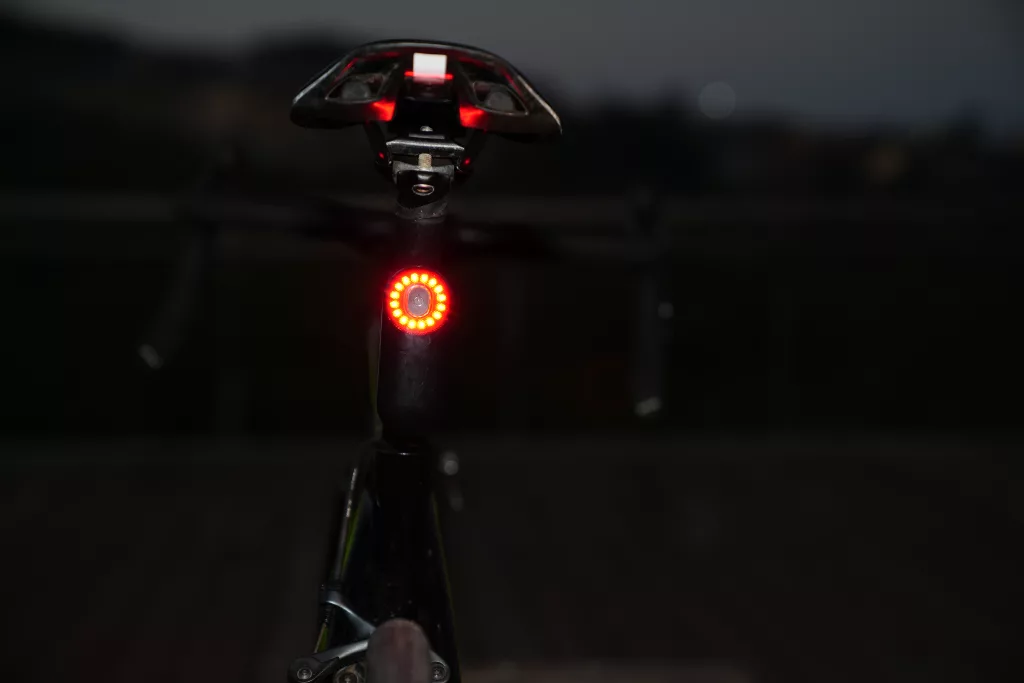
When riding on city streets, wind and road noise are inevitable, and they can make it difficult to hear vehicles approaching from behind. A radar taillight provides an additional source of information. It combines a rear-facing radar sensor with a red bicycle taillight. The radar accurately detects vehicles approaching from behind and sends an alert to a compatible display. The red LED taillight helps other road users see you. In the following article, we’ll take a detailed look at radar taillights, how they work, and how suppliers verify their products.
Beyond a rear light
Regular taillights allow other road users to see you, but they can’t tell you what vehicles are approaching. A bicycle radar taillight fills this gap. In addition to bright LED lights, a radar sensor monitors objects behind the bicycle and provides you with relevant information while you ride.
That traffic detection is what separates radar from other rear-light features. Taillights with brake-sensing capabilities may brighten when you slow down, but they cannot detect any vehicles. Some radar taillights are also equipped with cameras, but frankly, the video recording feature is merely an added bonus—it is not the basis for detection. Radar gathers information through reflected radio signals rather than relying on camera images.
Detecting Oncoming Vehicles
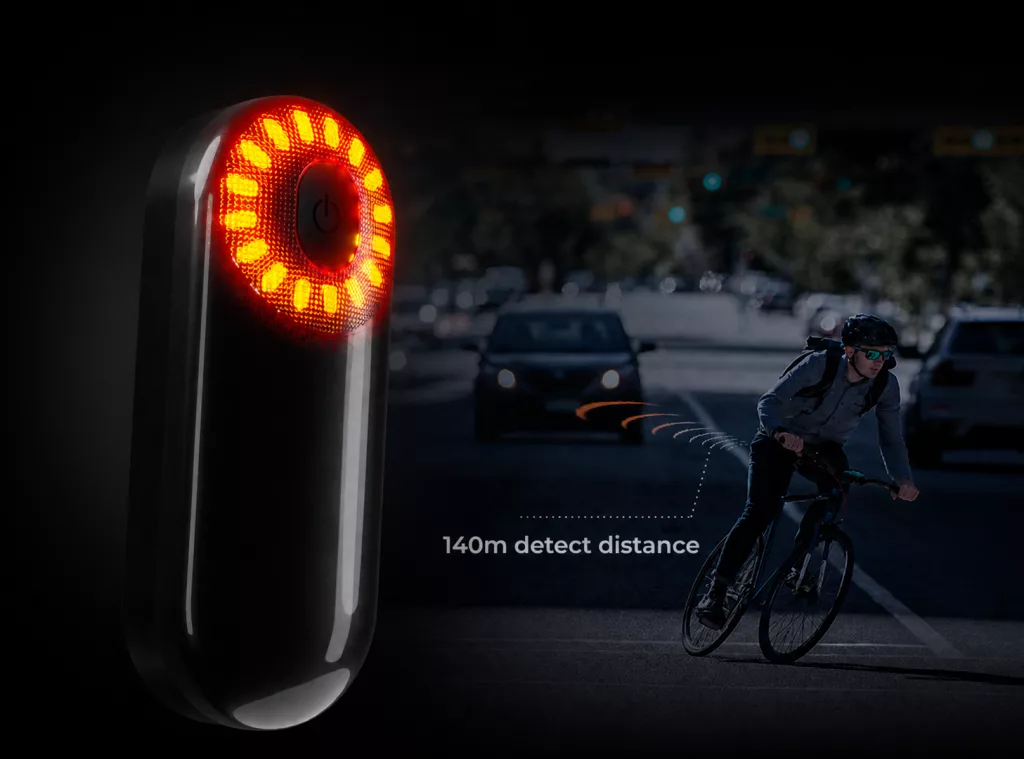
To gather monitoring data from behind, the bike radar sensor sends transmits radio signals toward the rear of the bicycle. Objects reflect a portion of the signal back to the sensor. The device analyses the returns to estimate distance and movement, as Garmin’s radar explanation describes for its products.
The motion of the object is critical because an approaching vehicle is closing the distance between itself and the cyclist. This is known as relative speed. If you are riding at 25 km/h and a car is following behind you at 55 km/h, the distance between the two will decrease at a rate of approximately 30 km/h. Approach speed helps inform the user about how quickly a vehicle is approaching, rather than simply describing the car’s speed.
After processing the echo signals, the radar sends the results to a compatible receiver. Detection occurs behind the cyclist, but the information is displayed on the screen of your paired bike computer.
Bring it to the screen
On compatible bike computers, rapidly approaching vehicles may appear as icons next to your ride data. Audio alerts or color changes may alert you to the approach of these vehicles. Display and warning settings vary by device, so please familiarize yourself with your device’s specific settings before relying on its alerts.
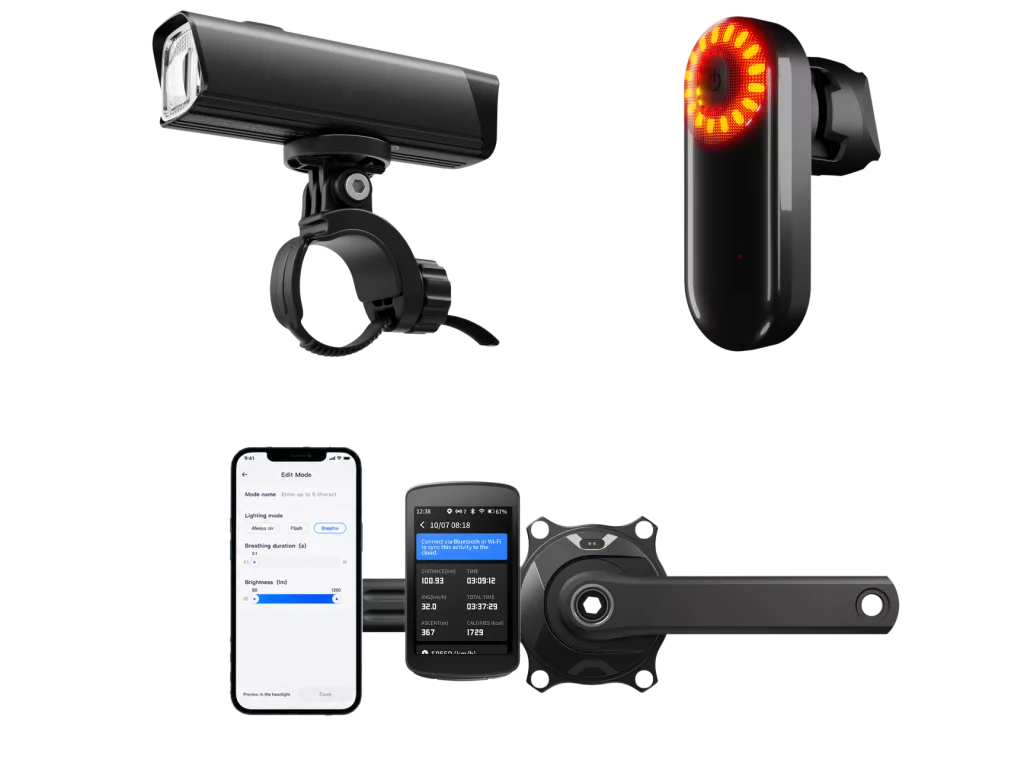
Since radar data from the radar tail light is displayed on the bike computer, compatibility affects whether you can receive useful alerts. Some bike computers support speed sensors but may not support radar. Therefore, having only general wireless connectivity is not sufficient. For example, Magene’s C606 bike computer supports radar taillights. Please verify the required pairing settings and your current firmware version, including whether both radar display and light control functions are supported.
Once connected, the information on the screen can help you detect approaching objects. However, it cannot interpret the intentions of objects behind you, nor can it confirm whether the gap between vehicles is safe. Therefore, you must still personally verify safety conditions before turning; never rely solely on the screen prompts.
Make the bike visible
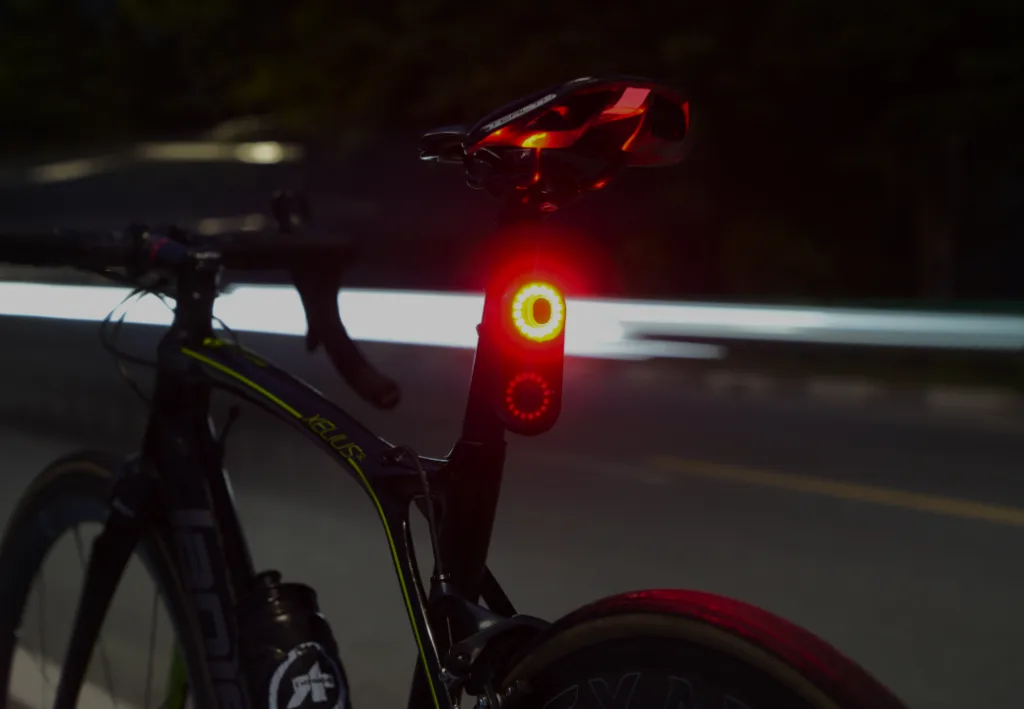
The bike computer screen provides you with traffic information, while the taillight handles the other aspect of smart interaction: helping road users behind you see your bike. Whether or not the product features radar monitoring, its LED lights serve this safety function.
Some models combine these two functions by changing the light pattern when they detect an approaching vehicle. Other models have separate brake-sensing responses. Check the trigger for each feature, rather than assuming every change in brightness comes from radar.
These different functions also explain why lighting and detection specifications must be examined separately. Lighting specifications represent the range of visibility to the rear; the radar’s detection angle describes the area it monitors. A wide beam does not imply an equally wide radar coverage area, and high-brightness LEDs do not guarantee better detection performance.
Understand the limits
That monitored area is only part of what determines detection. A blocked sensor, a bend in the road or a target’s shape can affect the returning signals. Radar does not need daylight to receive them, but it still operates within the model’s stated conditions. Maximum range is not a promise that every vehicle will appear at that distance.
These limits can produce different kinds of unexpected behaviour. A false alert reports a target that is not there; a missed detection leaves a relevant target unreported. Traffic on a nearby road is different again. The vehicle may be real, even though its approach does not concern your route.
Relative speed also affects what a particular model can track. Some products have limitations when a vehicle follows at a similar speed. Others, including Garmin’s RearVue 820, offer same-speed tracking within specified limits. Check the model rather than applying one rule to all cycling radar.
Missing alerts can also result from a lost connection. An empty screen therefore needs context: check the device status, and continue observing traffic directly.
Set it up correctly
You cannot remove every detection limit, but correct installation helps avoid preventable problems. Use the manufacturer’s specified bracket and orientation, with the radar facing backwards. Keep its detection area clear of a saddle bag or rack, and check that the mount stays secure.
With the unit mounted, pair its radar function to the receiver. A successful light-control connection does not necessarily mean radar alerts are active. If you use a phone, confirm that the app supports live alerts, rather than only settings or updates.
Before setting off, check battery levels, the selected mode and connection status. Learn the display in a safe setting so you can recognise its warnings without arranging a risky traffic test.
Choose for your rides
Those setup checks provide a useful starting point when comparing products. First confirm that a model fits your bike and works with your display. Then consider your routes: closely spaced traffic makes clear multi-vehicle alerts relevant, while long rides make battery life in your chosen mode important. Assess these alongside detection evidence, not just maximum range or brightness.
The chosen lighting mode also needs to suit your market. For European use, check the destination country’s rules and the exact product’s approval. Germany’s StVZO §67 prohibits flashing rear bicycle lamps. Selecting a steady mode alone does not establish compliance, and suitability in one country should not be assumed across Europe.
Build for real use
For bicycle brands and manufacturers, these test items have also become mandatory requirements for a radar tail light ODM project. First, it is necessary to clarify the product’s target market, the users’ riding environments, and the display devices with which it must be compatible. These factors will determine what features the final product must possess—not merely whether a prototype can detect a car.
Use that brief to define validation conditions and acceptance criteria. Cover different vehicles, closely spaced traffic and supported mounting positions. Check connection recovery and battery life in each planned mode, then repeat relevant checks after firmware changes. This ties performance claims to evidence from the intended use.
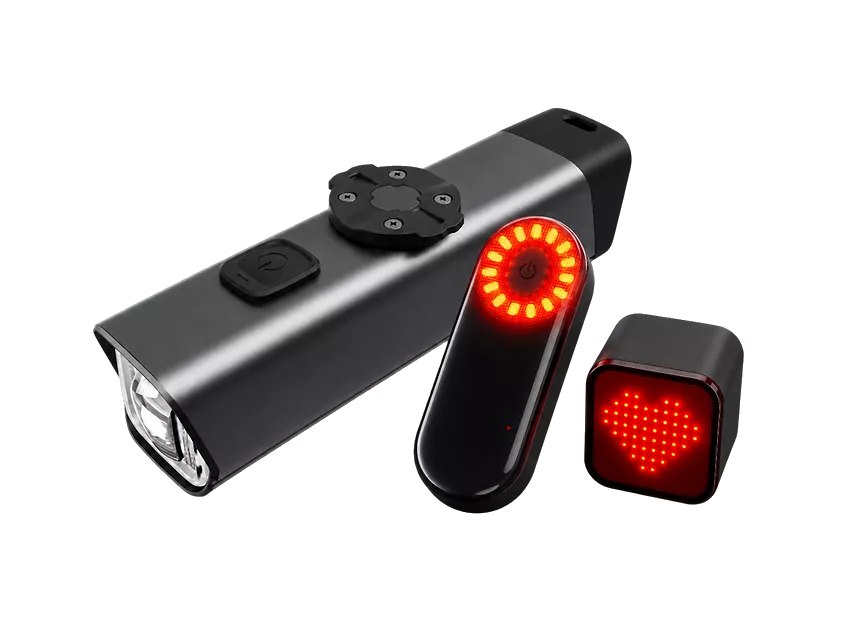
Magene Enterprise’s smart bike light ODM solutions cover lighting, radar and connected-product development. Customisation depends on project requirements and feasibility review. A brief that includes the complete riding setup helps the team assess the sensor, lighting and receiver together.
Use it with awareness
A radar tail light connects rear traffic detection with information you can read while riding, alongside lighting that helps others see you. Choose a compatible setup, mount it correctly and understand its limits. If your brand is developing a connected rear light, share your target markets and riding requirements with Magene Enterprise.
FAQs
Can I use it without a bike computer?
Yes, if the model supports another receiver, such as a compatible phone app or dedicated display. Confirm that it provides live radar alerts, not just settings and updates. A working rear light alone does not mean you are receiving traffic warnings. Check the supported receiver before buying.
Can it detect cyclists?
Some products can detect approaching cyclists as well as motor vehicles, but they may not report every rider. Target characteristics, relative speed and riding conditions can affect detection. Check the model’s documentation for its supported targets. In a group ride, do not use radar as a complete account of who is behind you.
Can it track several vehicles?
Many models support multiple targets, with different tracking limits. Closely spaced vehicles can be harder to distinguish, so detecting approaching traffic does not mean separating every vehicle reliably. Check the stated capacity and test conditions. Treat screen markers as reported targets, rather than a guaranteed count of all vehicles behind you.
Does radar work with the light off?
Some models offer a radar-only mode. The Magene L508 support guide lists this option. Check your model’s settings and confirm that the receiver remains connected. Radar operation and LED lighting are separate functions, but switching off the LEDs does not remove any applicable requirement to use bicycle lights.
Why does it alert when I see no car?
It may have detected another target, including traffic on a nearby road. Stop somewhere safe before checking the surroundings, mounting and device status. An unexplained alert does not automatically indicate a hardware fault. If unusual warnings persist, consult the manufacturer’s troubleshooting guidance rather than dismissing future alerts.
Does it replace a mirror or shoulder check?
No. Radar reports detected approaches, while a mirror and direct observation help you assess the wider road situation. They provide complementary information. An alert cannot confirm passing space, and silence cannot confirm that the road is clear. Continue checking directly before turning or changing your position.

-1024x575.webp)